AWS Event-Driven S3 Cleanup System
Overview
This project is an event-driven AWS serverless system that monitors the total size of objects in an S3 bucket, automatically removes the largest object when the bucket reaches a threshold, and generates a final plot showing how bucket size changes over time.
It is a compact but complete example of how to combine S3, SNS, SQS, Lambda, DynamoDB, CloudWatch, and API Gateway into one end-to-end workflow.
This project demonstrates:
- event-driven system design
- asynchronous processing with decoupled consumers
- state tracking in a distributed workflow
- log-based monitoring and automated remediation
- practical tradeoffs between correctness, simplicity, and observability
Summary
I built this project to show how a small but realistic serverless system can be designed around asynchronous events instead of direct function-to-function calls.
The system starts with S3 object events, fans them out through SNS and SQS, tracks current object state and historical state in DynamoDB, and uses CloudWatch metrics plus an alarm action to trigger automatic cleanup when the bucket reaches a size threshold.
What makes this project useful in an interview is not just the list of AWS services. It shows that I understand:
- why
SNS + SQSis better than tightly coupling everything to direct S3 triggers - how to separate state management from observability
- how to model both current state and historical state in DynamoDB
- why an alarm metric should reflect business meaning, not just raw event deltas
- how real runtime behavior can differ from the ideal architecture because of monitoring windows and asynchronous processing
Tech Stack
Python, AWS CDK, Lambda, S3, SNS, SQS, DynamoDB, CloudWatch Logs, Metric Filters, CloudWatch Alarms, API Gateway, Matplotlib
Architecture
The system is built around one S3 event flowing through two independent processing paths.
High-level flow
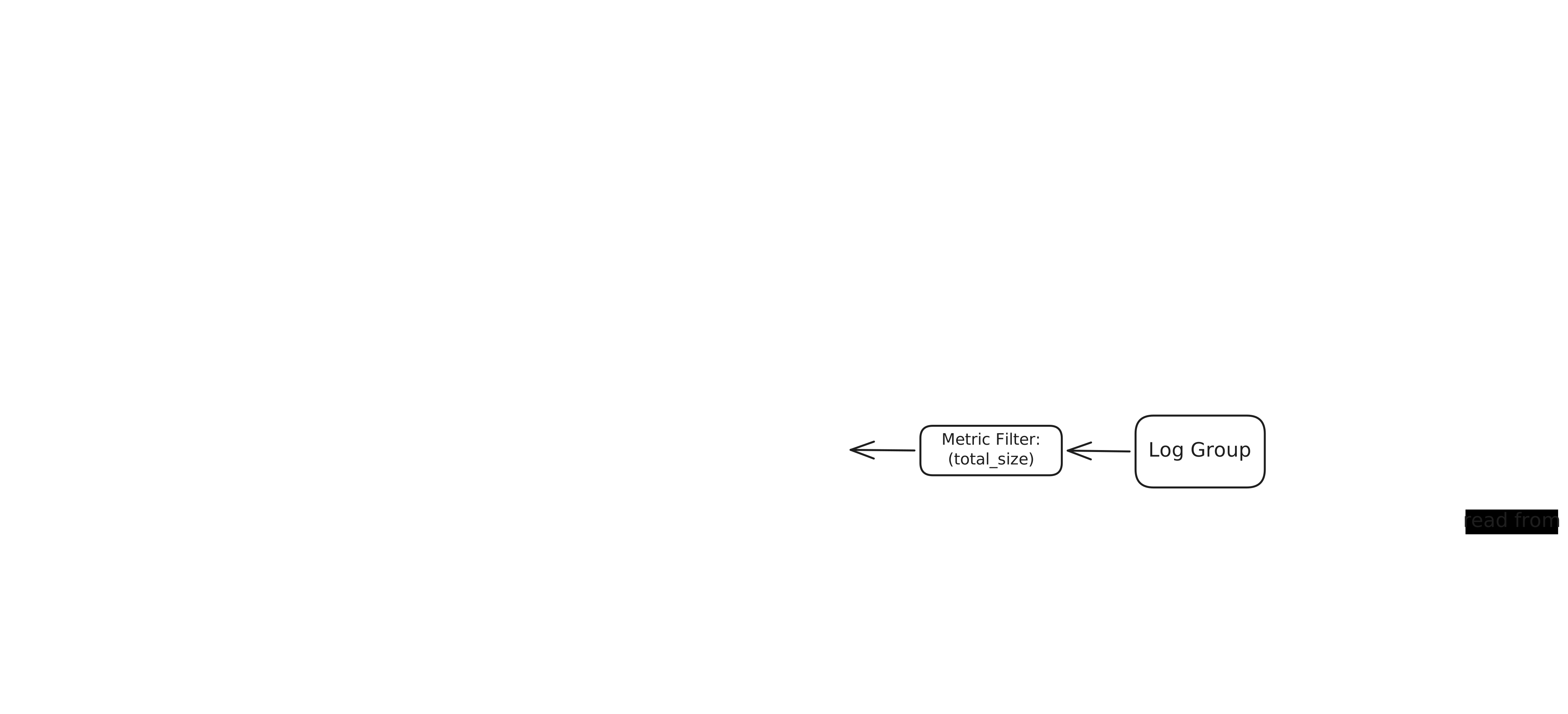
Driver Lambdauploads objects intoTestBucketS3publishes object events to anSNStopicSNSfans out the same event to twoSQSqueuesTracking QueuefeedsSize Tracking Lambda, which updates current state and history inDynamoDBLogging QueuefeedsLogging Lambda, which writes structured event logs intoCloudWatch LogsSize Tracking Lambdaalso emitstotal_sizelogs into its own log groupMetric Filterextractstotal_sizefrom theSize Tracking Lambdalog groupCloudWatch AlarminvokesCleaner Lambdawhen the threshold is reachedCleaner Lambdadeletes the largest current objectDriver LambdacallsAPI GatewayPlotting Lambdareads history fromDynamoDB, generates a PNG, stores it inPlotBucket, and returns it through the API
The diagram is intentionally high-level. In the actual code, the cleanup alarm is driven by total_size logs produced by Size Tracking Lambda, not by the Logging Lambda path.
Why This Design
Why SNS -> SQS -> Lambda
The point of using SNS and SQS is to decouple consumers.
One S3 event is processed in two different ways:
- one path updates application state
- one path drives monitoring and cleanup
This design makes the workflow easier to reason about and closer to production-style event pipelines than direct S3 -> Lambda.
Why two queues
The queues separate responsibilities:
Tracking QueuefeedsSize Tracking Lambda, which owns the DynamoDB state and the final alarm metricLogging QueuefeedsLogging Lambda, which keeps a separate structured event log stream
Each Lambda can fail, retry, or scale independently.
Why DynamoDB
The system needs both current state and historical state.
Current state is needed for:
- knowing the latest object sizes
- computing the current bucket total
- finding the largest object to delete
Historical state is needed for:
- reconstructing the timeline
- generating the final plot
Data Model
The project uses two DynamoDB tables.
ObjectTable
This table stores the current state of objects in the bucket.
It contains:
- one item per object
- object name
- current object size
- bucket name
- last update time
It also stores one special state row:
object_name = "__STATE__"
That row holds the current total size of the bucket.
This table also has a GSI used by the cleaner:
- partition key:
bucket_name - sort key:
size
That index allows the system to find the current largest object efficiently.
HistoryTable
This table stores the timeline of bucket-size changes.
Each history record contains:
- bucket name
- event key
- object name
- event type
size_deltatotal_size
This table is the source of truth for plotting.
Lambda Responsibilities
Driver Lambda
The driver orchestrates one full run of the system.
It:
- aligns to a CloudWatch evaluation window
- uploads
assignment1.txt - uploads
assignment2.txt - waits for the first cleanup cycle to complete
- waits for the alarm to return to
OK - uploads
assignment3.txt - waits for the second cleanup cycle to complete
- calls the plotting API
This Lambda exists to make the workflow reproducible for testing and demo.
Size Tracking Lambda
This Lambda consumes the tracking queue and maintains system state.
It:
- parses the
SQS -> SNS -> S3event envelope - computes state changes for create and delete events
- updates current object size
- updates current bucket total
- appends a history record
- writes the current
total_sizeinto its CloudWatch log stream
Logging Lambda
This Lambda consumes the logging queue and writes structured event logs to CloudWatch Logs.
In the current implementation, its role is observability rather than alarm generation. It preserves clean event-level logs, including size_delta, and looks up the latest positive size when it needs to log a delete event. The cleanup alarm does not read from this log group.
Cleaner Lambda
This Lambda is invoked by a CloudWatch alarm action.
It:
- queries the
ObjectTableGSI - finds the largest current object
- deletes that object from the bucket
- logs what was removed
Plotting Lambda
This Lambda reads the history table, generates the final chart as a PNG, stores the plot in the plot bucket, and also returns the image through API Gateway.
It is invoked through API Gateway.
State and Monitoring Logic
Two values matter in the system:
size_deltatotal_size
size_delta
size_delta is an internal value used to update state and history.
For create events:
size_delta = new_size - previous_size
For delete events:
size_delta = -previous_size
Delete handling is important because S3 delete events do not include object size, so the system must recover that value from stored state.
total_size
total_size is the running bucket total after each event.
This is the value used by the monitoring path:
Size Tracking Lambda -> CloudWatch Logs -> Metric Filter -> CurrentTotalSize -> Alarm
This was an important design choice.
Using total_size as the metric is better than using size_delta because the alarm should react to the current bucket total, not to a temporary sum of event deltas in one time window.
Alarm behavior
The alarm watches:
- custom metric:
CurrentTotalSize - statistic:
Maximum - threshold:
>= 20
When the alarm enters ALARM, it executes an alarm action that invokes Cleaner Lambda.
The metric filter is attached to the fixed log group:
/aws/lambda/assignment4-size-tracking-lambda
This is different from a normal Lambda trigger:
SQS -> Lambdauses an event source mappingAlarm -> Lambdauses an alarm action
That difference is worth understanding because it often comes up in interviews.
Runtime Behavior
The intended timeline is:
0184618202
This corresponds to:
assignment1.txtis uploaded, so the total becomes18assignment2.txtis uploaded, so the total becomes46Cleaner Lambdadeletesassignment2.txt, so the total returns to18assignment3.txtis uploaded, so the total becomes20Cleaner Lambdadeletesassignment1.txt, so the total becomes2
The final expected bucket state is:
- only
assignment3.txtremains
Tradeoffs and Practical Lessons
The main practical challenge in this project is that CloudWatch alarms evaluate over time windows rather than acting as instant event-by-event triggers.
Because of that, the actual driver code includes waiting logic so the workflow becomes deterministic:
- it aligns to a metric window before starting
- it waits for
assignment2.txtto be removed - it waits for the history table to record the expected total
- it waits for the alarm to return to
OKbefore uploadingassignment3.txt
This is a useful systems lesson:
- the architecture can be correct
- the services can be wired correctly
- but orchestration is still needed when the runtime behavior depends on monitoring windows
Project Bullet Point
- Built an event-driven AWS serverless pipeline that monitored S3 bucket size, automatically deleted the largest object when storage reached a threshold, and generated a final visualization of bucket-size changes over time.
- Designed an
S3 -> SNS -> SQS -> Lambdafanout architecture so the same object event could drive both state tracking and observability workflows independently. - Modeled current object state and historical bucket-size changes in
DynamoDB, using aGSIto let the cleaner efficiently identify the largest current object. - Implemented log-based monitoring with
CloudWatch Logs, a custom metric, and an alarm action that triggered automated cleanup when the bucket total reached the configured threshold.
Interview Takeaways
This project is a good example for discussing:
- why fanout architectures are useful
- why queues improve decoupling and reliability
- how to separate state management from monitoring logic
- how to model current state and history in DynamoDB
- why alarm signals should match business meaning
- how to reason about real operational behavior, not just ideal architecture diagrams
Good questions to be ready for:
- Q: Why use
SNS -> SQSinstead of directS3 -> Lambda?
A: It decouples consumers, adds buffering and retries, and lets tracking and logging scale independently. - Q: Why separate tracking and logging into two Lambdas?
A: State updates and observability are different responsibilities, and separating them makes failures easier to isolate. - Q: Why use two DynamoDB tables instead of one?
A:ObjectTablestores current state andHistoryTablestores the timeline, so the split keeps read and write patterns simple. - Q: How do you know the size of a deleted object?
A: S3 delete events do not include object size, so the system looks up the previous size fromObjectTable. - Q: Why use
CurrentTotalSizeinstead ofsize_deltaas the alarm metric?
A: The cleanup decision depends on current bucket size, not on the sum of recent event deltas. - Q: Why does the actual alarm read from
Size Tracking Lambdalogs instead ofLogging Lambdalogs?
A:Size Tracking Lambdais where the running total is computed, so it is the cleanest source for the final alarm metric. - Q: What is the difference between an event source mapping and an alarm action?
A:SQS -> Lambdauses an event source mapping that polls the queue, whileAlarm -> Lambdais an alarm action that invokes the function on a state change. - Q: Why does the driver need waiting logic?
A: CloudWatch alarms are window-based, so the workflow needs orchestration to make the two cleanup cycles happen in the intended order.